PokéSurvivor 3DS
ESEN
Support on Ko-fi Download

PokéSurvivor Nintendo 3DS

Survive the horde. Defeat Arceus. Every Pokémon, on your Nintendo 3DS.

Version 0.5.1 · free · updates itself

PokéSurvivor 3DS is free and always will be Donations keep online co-op, save sync and updates running, and help create more free projects.
Buy me a coffee

The trailer

One minute of real gameplay, recorded on the emulated console: screen-filling hordes, Mega Evolutions, the Judgment of Arceus and games with friends.

Features

Survive the horde

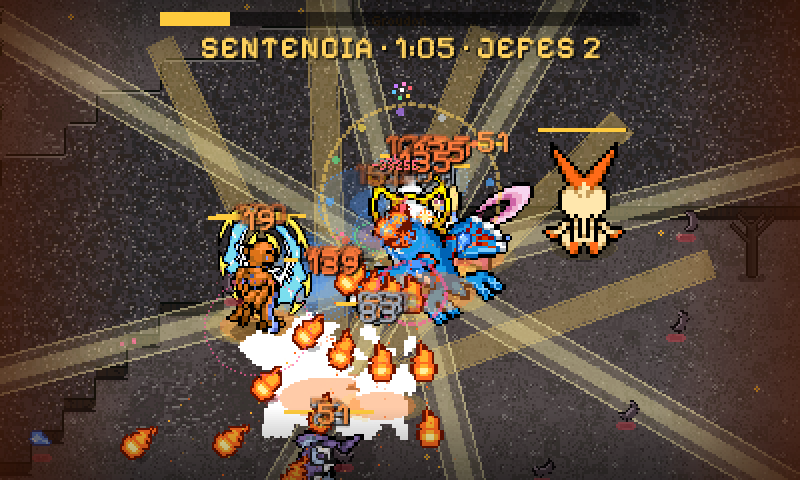
Automatic attacks, level-up cards and hundreds of Pokémon at once. Choose well and hold on.

Defeat Arceus

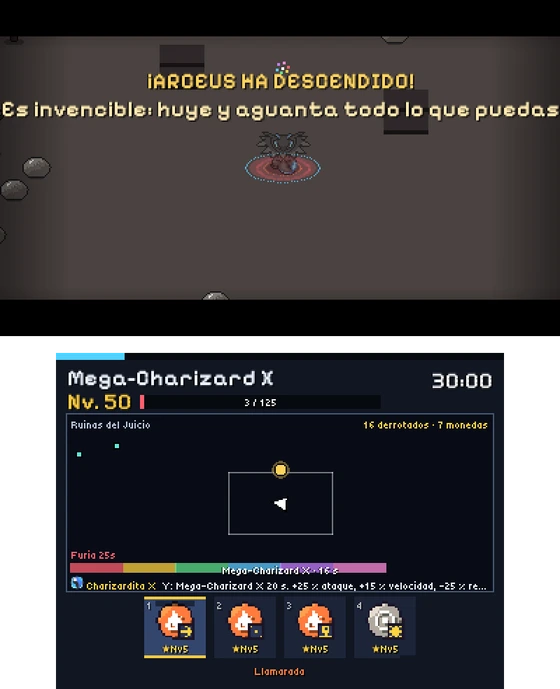
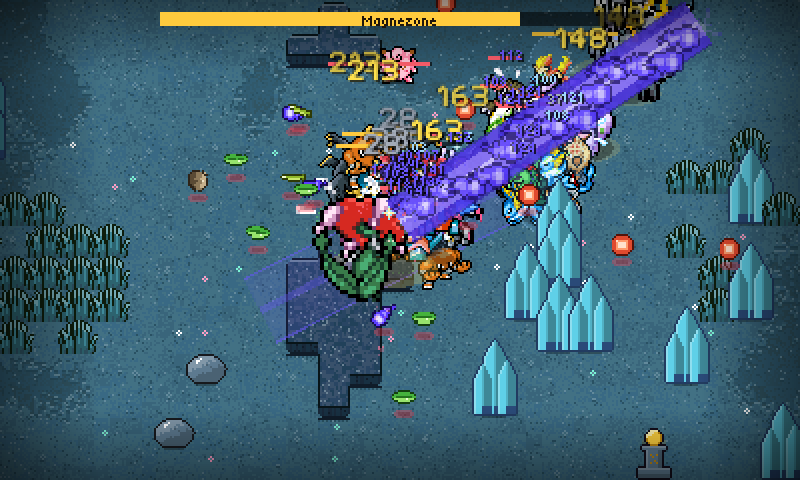
At 30 minutes the Judgment begins: Arceus descends and the legendaries answer the call. Will you survive?
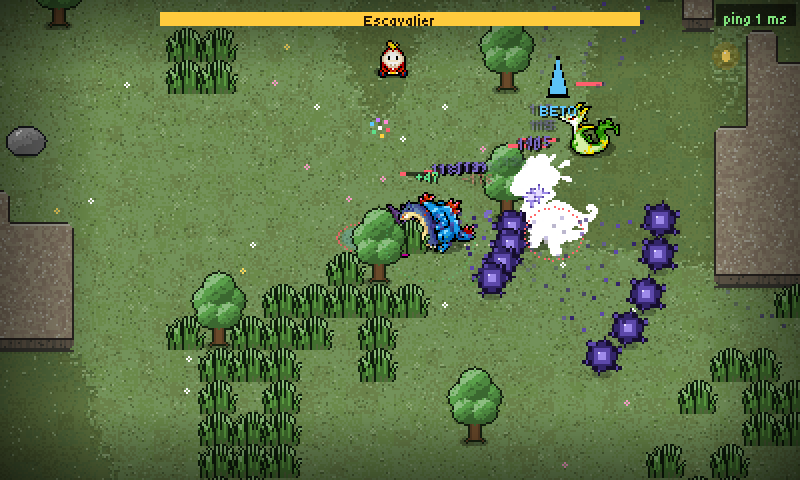
Every Pokémon

966 Pokémon to catch with the gacha, each with its own moves, type and shiny form.
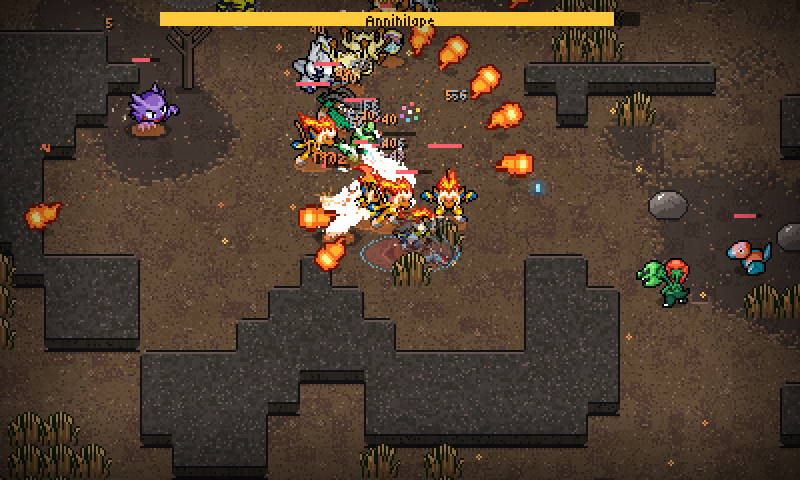
Mega Evolutions NEW

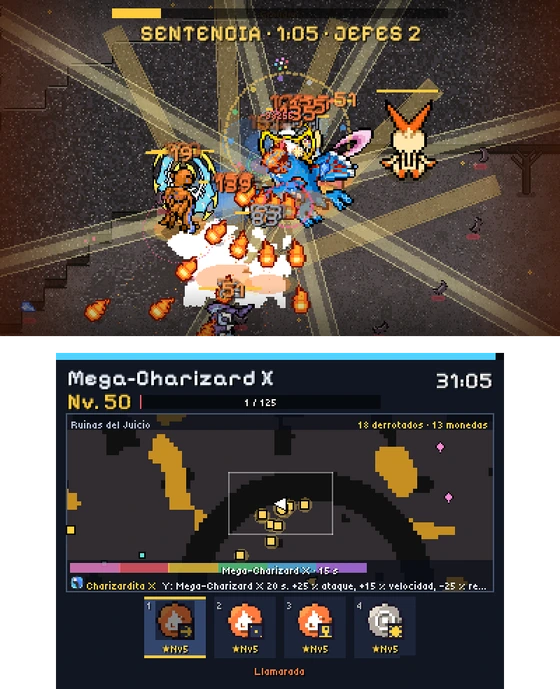
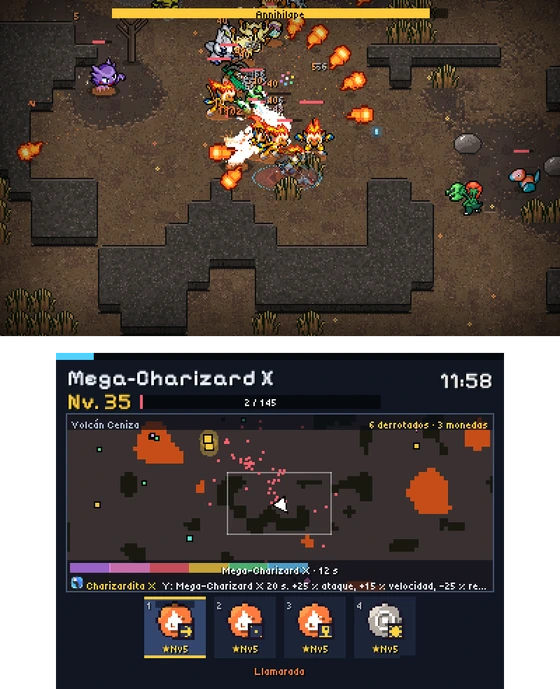
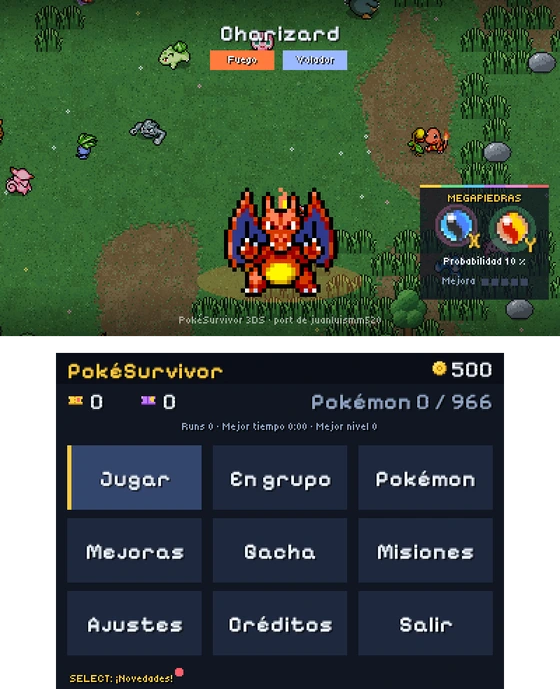
91 Megas, including the ones from Pokémon Legends: Z-A. Find its Mega Stone, press Y and shine.
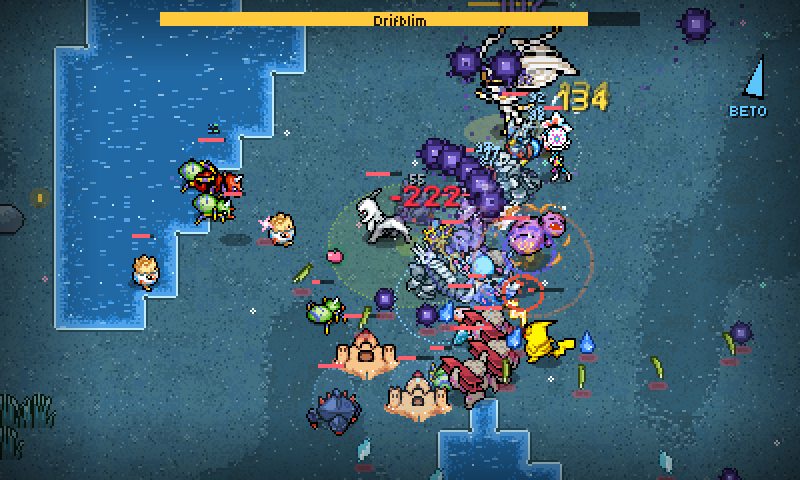
Local & online co-op

Play with friends nearby or over the internet. If you fall, watch the others with L and R.
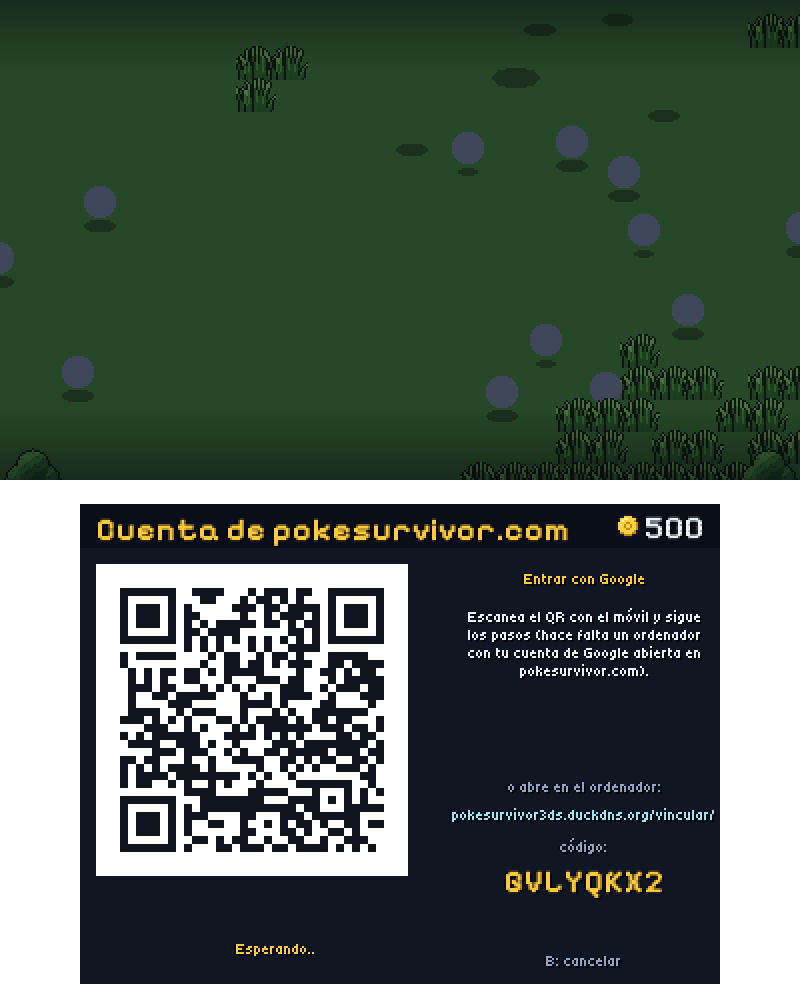
Your pokesurvivor.com save

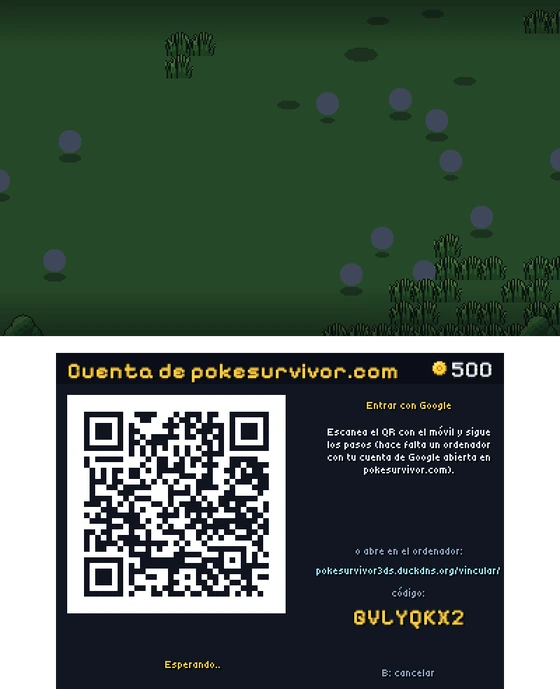
Sign in with your account or with Google (by scanning a QR code) and play the same save on the web and on your 3DS.
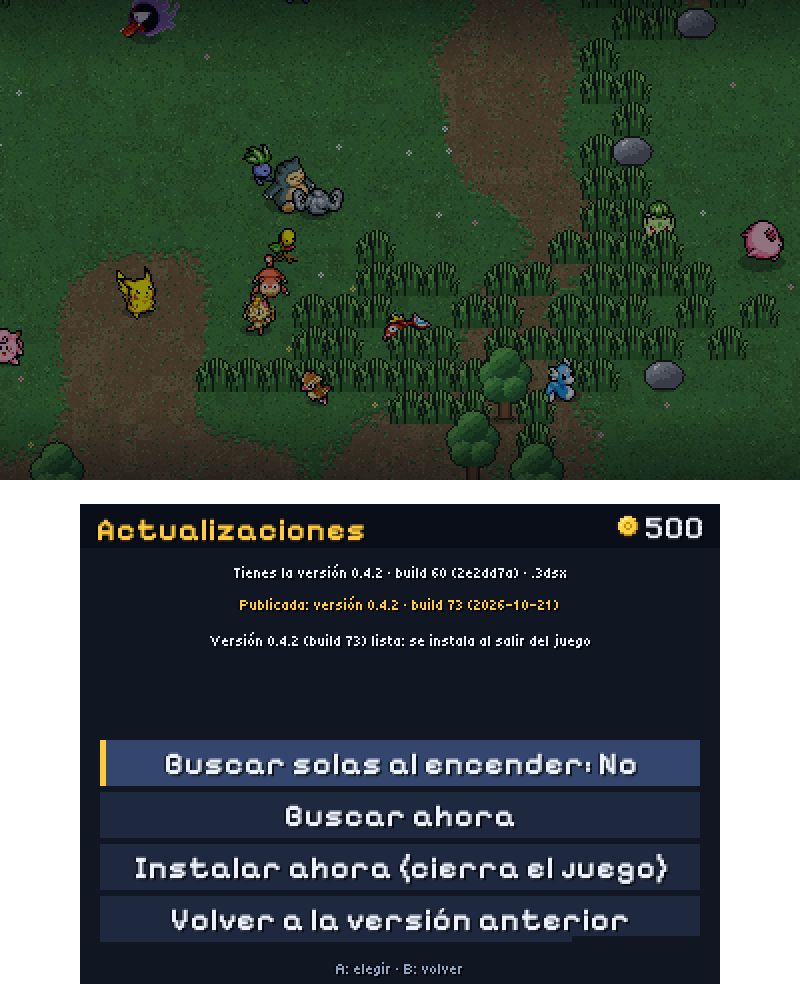
Updates itself

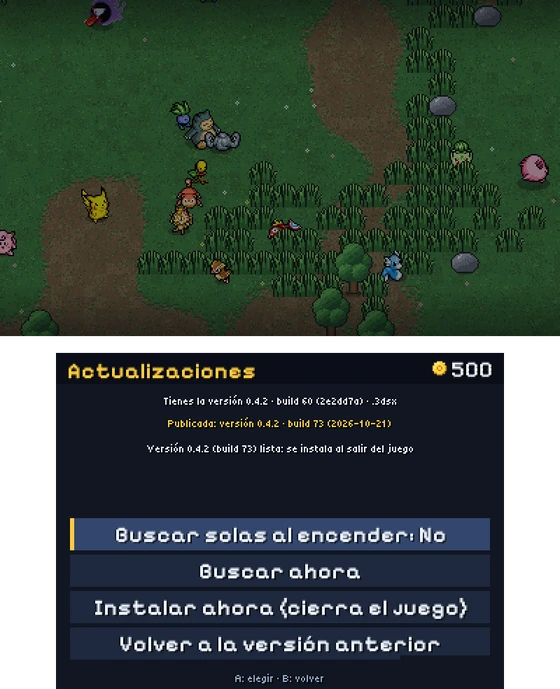
New versions download by themselves and install when you close the game. If something goes wrong, roll back.
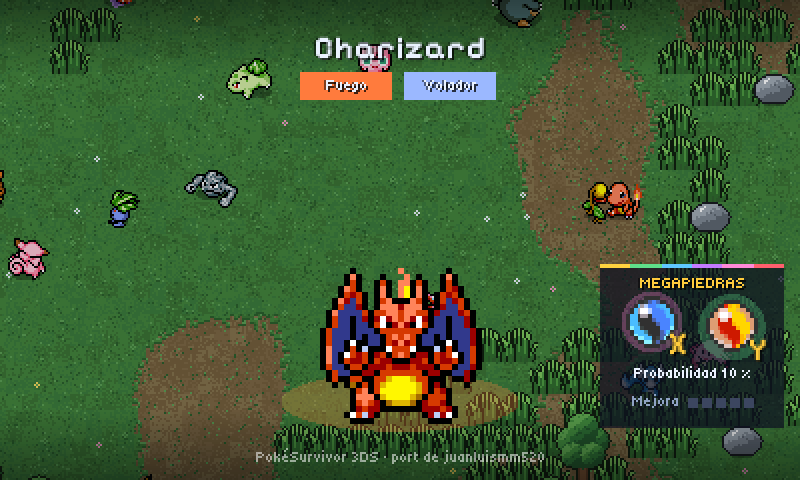
Just like a real game

Install it on the HOME Menu with its own icon and banner, or launch it from the Homebrew Launcher.

Screenshots

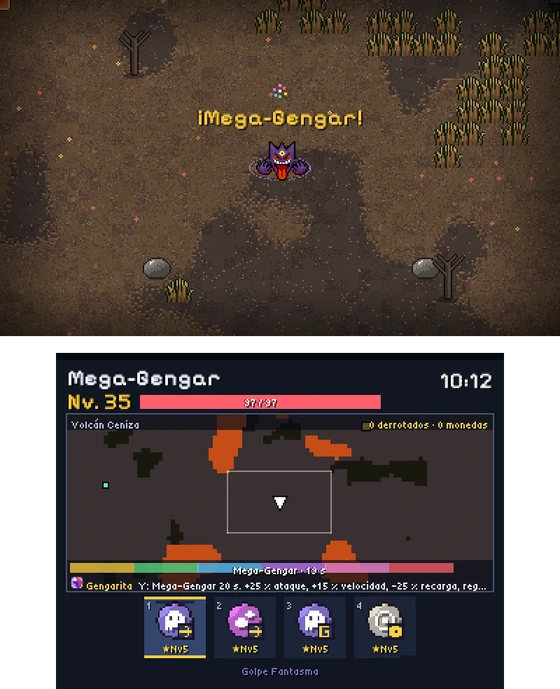
Both screens, exactly as they look on the console. Tap one to enlarge it.

* Screenshots are taken straight from the console at its real resolution (400×240 on top, 320×240 below). In a browser, text may look a bit smaller than it really is on the 3DS.
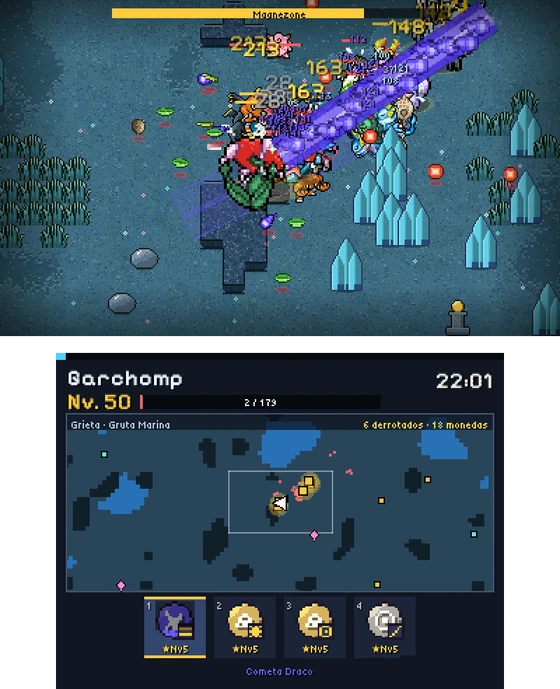
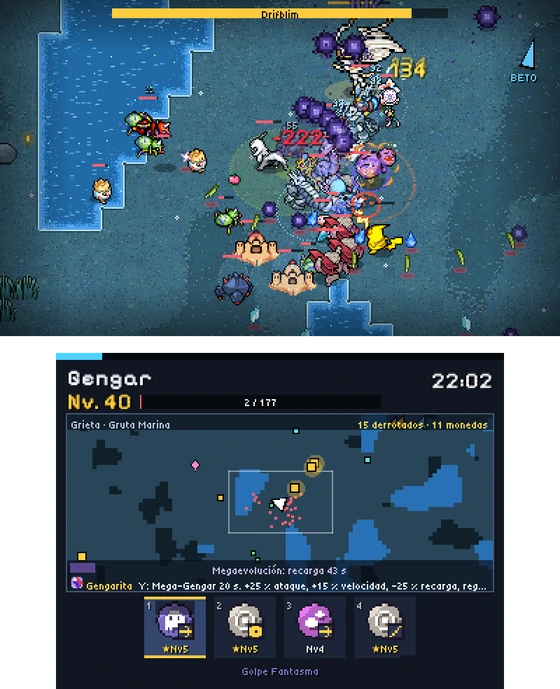
PokéSurvivor 3DS — Endless hordes
Endless hordes
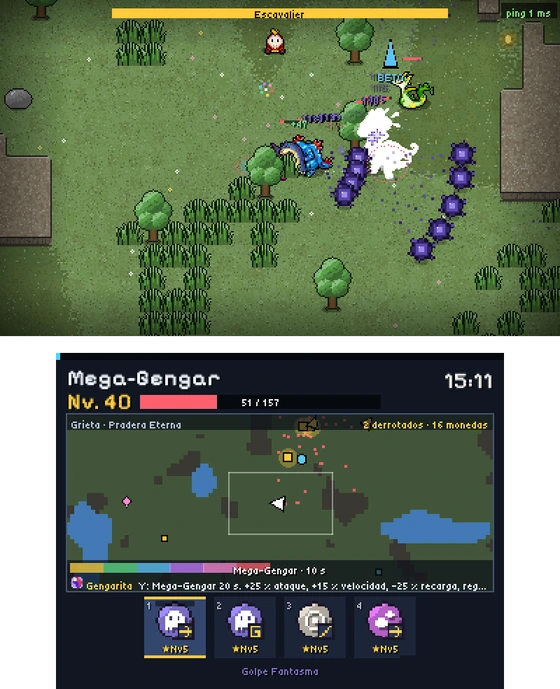
PokéSurvivor 3DS — Mega Gengar
Mega Gengar
PokéSurvivor 3DS — The Judgment
The Judgment
PokéSurvivor 3DS — Mega Charizard X
Mega Charizard X
PokéSurvivor 3DS — Arceus has descended!
Arceus has descended!
PokéSurvivor 3DS — Local co-op
Local co-op
PokéSurvivor 3DS — Online co-op
Online co-op
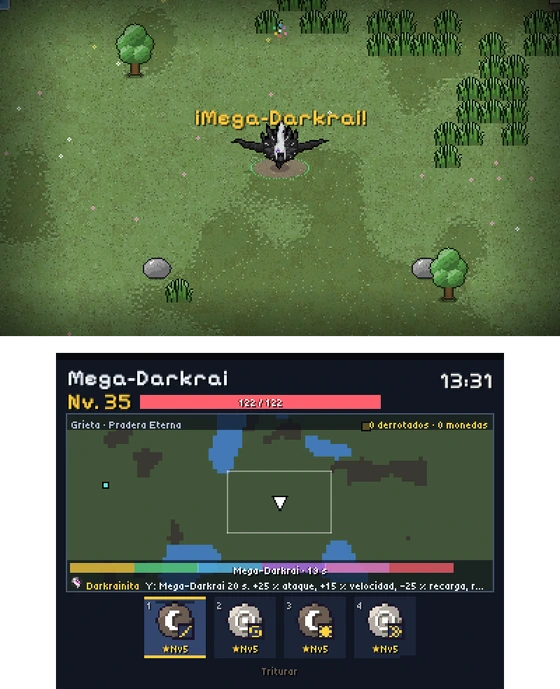
PokéSurvivor 3DS — Mega Darkrai (Z-A)
Mega Darkrai (Z-A)
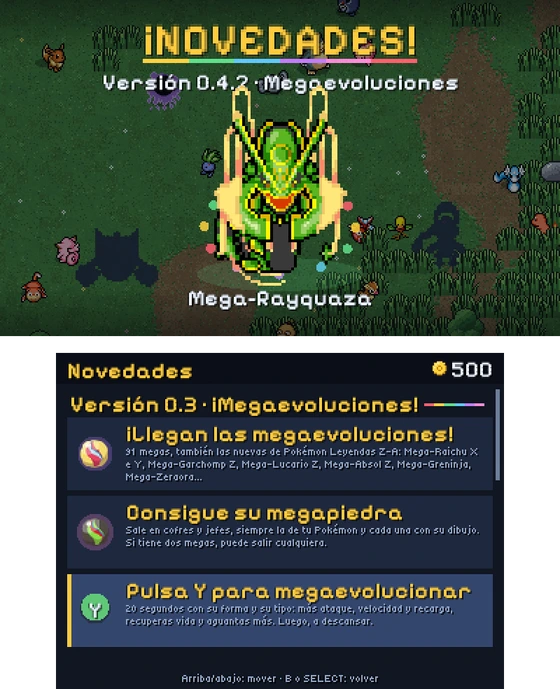
PokéSurvivor 3DS — What's new screen
What's new screen
PokéSurvivor 3DS — Mega Stones in the menu
Mega Stones in the menu
PokéSurvivor 3DS — Sign in with a QR code
Sign in with a QR code
PokéSurvivor 3DS — Updates
Updates

What's new

0.5

Pick your second move, and smoother play

  • With the «Repertoire» upgrade, choose which second move you start with (or random). Saved per Pokémon and synced with pokesurvivor.com.
  • Fixed the frame-rate drop around minute 8, in co-op too.
  • Clearer Bonds: the first move you pick stays highlighted.
  • .cia updates now install correctly.
0.4

Real Mega Stones and a What's new screen

  • Every Mega Stone with its own sprite and its name from the games (Charizardite X, Gengarite, Lucarionite…). Rayquaza Mega Evolves with the Meteorite.
  • In the menu, your partner's Mega Stones with their drop chance and upgrade level.
  • A What's new screen in the game (SELECT on the menu).
0.3

Mega Evolutions!

  • 91 Megas, including the new ones from Pokémon Legends: Z-A: Mega Raichu X and Y, Mega Garchomp Z, Mega Lucario Z, Mega Darkrai, Mega Zeraora…
  • Mega Stones drop from chests and bosses, always the one for your Pokémon. Press Y: 20 seconds of more attack, speed and faster cooldowns, plus healing and extra defense.
  • A "Mega Stone" upgrade so it drops more often. Shinies Mega Evolve as shinies, and in co-op everyone has their own.
  • The .cia now boots on real hardware and updates itself.
0.2

Accounts, co-op and the HOME Menu

  • Sign in with Google by scanning a QR code; sync your save with pokesurvivor.com.
  • Rooms that find themselves for co-op, nearby or online.
  • Installable on the HOME Menu (.cia) and automatic updates with rollback.
  • Choose whether to keep your first item and see what your held item does.

How to install

Before anything else: you need a Nintendo 3DS, 2DS, New 3DS or New 2DS (XL too) with custom firmware (Luma3DS) and the FBI app. If you don't have it yet, follow the official guide: 3ds.hacks.guide.

The .cia installs like any other game: it shows up on the HOME Menu with its icon and banner.

A With the QR code (no cables)

  1. Connect the console to the internet and open FBI.
  2. Go to Remote Install → Scan QR Code.
  3. Point the 3DS camera at this QR code.
  4. Accept: it downloads and installs by itself. When it finishes, it's on the HOME Menu.
QR code to install with FBI http://pokesurvivor3ds.duckdns.org/datos/programa/ultimo.cia

B With the SD card

  1. Download the .cia on your computer.
  2. Turn off the console, take out the SD card and copy the file into the cia folder (create it if it doesn't exist).
  3. Put the SD card back, turn the console on and open FBI.
  4. SD → cia → pokesurvivor-3ds.cia → Install and delete CIA.
  5. Go back to the HOME Menu: there it is.

The .3dsx is launched from the Homebrew Launcher. It doesn't take a HOME Menu slot.

1 Copy the file

  1. Download the .3dsx.
  2. Turn off the console and take out the SD card.
  3. Copy it into the 3ds folder on the SD card: sdmc:/3ds/pokesurvivor-3ds.3dsx.

2 Launch it

  1. Turn the console on and open the Homebrew Launcher (from its HOME Menu icon, or with the Rosalina menu: L + ↓ + SELECT → Miscellaneous options → Switch the hb. title to the current app).
  2. Pick PokéSurvivor 3DS from the list. Let's play!
Sound. Like all homebrew, it needs a DSP dump: if there's no sound, run DSP1 once (it's part of the 3ds.hacks.guide setup) and reboot.
It updates itself. When there's a new version it downloads it and installs it when you close the game (Settings → Updates). You only install it by hand the first time.
Your save is stored on the SD card, in sdmc:/3ds/pokesurvivor-3ds/. If you have a pokesurvivor.com account, it syncs too.
Is it free?

Yes, and it always will be. It's a non-profit fan project.

Does it work on the original 3DS?

Yes: it runs on every 3DS and 2DS model (tested) and runs smoothly. If it runs at low FPS on your console, lower the graphics level in Settings.

Does it sync with pokesurvivor.com?

Yes: sign in with your account (or with Google, by scanning a QR code) and play the same save on the web and on your 3DS. We also try to keep up with the official web game: new things there keep coming to the port.

Do I need the internet?

Not to play solo. You do for online co-op, syncing with pokesurvivor.com and updates.

FBI won't read the QR code?

Check that the console is online and try again with more light, or use method B with the SD card.

Support the project

juanluismm521Follow me on GitHub: new free projects all the time
Buy me a coffee on Ko-fiHelp keep the server online and create more free projects.